Get A Quote
Simple Steps To Secure Your IP Camera Against Unauthorized Network Access
- By: Admin
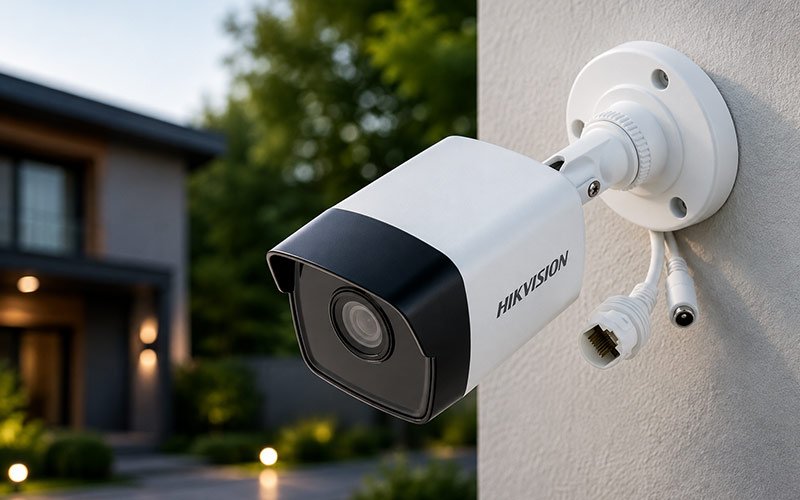
Plugging an IP camera into a local warehouse network or shop floor setup solves an immediate operational problem, giving you instant visual access to loading bays and stockrooms right from a mobile screen. However, connecting any video hardware to an internet router turns an internal feed into two-way network data. If a camera sits online running basic factory defaults, it leaves a quiet digital doorway open to automated web scans. Working alongside certified regional distribution channels such as Mahajan Enterprises, leading IP Camera Wholesale Suppliers in Delhi help commercial buyers source solid, industrial-grade hardware built with strong, configurable access controls right out of the box.
Taking a few deliberate setup steps during installation keeps your surveillance feeds private without requiring a massive IT overhaul.
Replace Out-of-the-Box Passwords Before Going Live
Leaving factory login credentials active on a live network is the single most common oversight during new installations. Manufacturers ship hardware with standard default passwords so technicians can execute bench testing without friction, but those exact credential pairs are published in open online manuals and programmed directly into automated scanning tools.
- Build Unique Passphrases: Swap generic default logins for strong combinations of letters, numbers and symbols rather than simple shop names or basic number runs.
- Isolate System Passwords: Ensure your surveillance setup uses a password completely distinct from your office Wi-Fi, staff portals or router administration panels.
- Assign Restricted Staff Accounts: Create basic view-only logins for employees who just need to check daily feeds, keeping main administrative settings locked down.
Maintain Regular Device Firmware Updates
Hardware manufacturers regularly publish free software patches to fix system bugs, close newly discovered security gaps, and keep video streaming stable over local networks. Running outdated code on an internet-facing camera leaves known vulnerabilities exposed to basic network probing tools that crawl public IP ranges day and night. Checking your camera dashboard or Network Video Recorder menu once a month for new software releases takes just a few minutes, but it ensures your physical hardware isn't running vulnerable code. Turning on automatic overnight patching allows critical security fixes to install on their own during non-business hours, keeping your recording setup fully protected without interrupting daily workplace operations.
Isolate Surveillance Gear on a Dedicated Subnet
Placing physical security hardware on the exact same network used by visiting customers, guest Wi-Fi users, or general office computers creates unnecessary risk across your entire workspace. If a visitor or compromised laptop joins an open guest Wi-Fi network, that user should never be able to discover, scan, or map internal physical security hardware sitting on the same router.
- Configure a Separate Subnet: Use your router settings to place surveillance equipment on its own isolated virtual network.
- Suppress SSID Broadcasts: If your installation utilizes wireless IP cameras, configure your router to hide the network name from public device scanning lists.
- Turn Off Unneeded Features: Disable extra network protocols inside the camera menu that could automatically open router ports without your permission.
Lock Down Remote Access With Secure Encrypted Channels
The old way is to do basic port forwarding on your router , then watch the broadcasts remotely via the open internet . This leaves a direct , unencrypted channel available to public IP addresses. Automated network scanners aggressively scan open router ports to determine the type of hardware and test for weak control of access. Commercial-grade hardware is meant to make safe, encrypted remote connections easier. Site managers can buy the latest devices from and verified IP CCTV Camera Wholesale Suppliers in Delhi. Enabling HTTPS in the camera settings menu will encrypt admin logins on your local network. Enabling two-factor authentication on mobile monitoring applications will demand a supplementary verification number for any new device logins before giving access.
Practical Daily Habits for Long-Term Network Safety
Protecting a surveillance network isn't about making everyday monitoring complicated or frustrating for your team. It comes down to removing the simple vulnerabilities that automated web tools rely on to find easy entry points. Taking an hour during initial installation to update factory logins, segregate camera traffic on your router and push regular software updates ensures your system monitors your space without exposing your facility. Combining reliable, commercial-grade hardware with clean network habits gives property owners dependable, private oversight over their operations day in and day out.